fill.zone is a free 2-player territory game that works in the browser. You and a friend place expanding shapes on the same board; Blue and Red race to cover the largest percentage before time runs out.
Together or remote?
Local Match
Best when both players are in the same room. Share a phone, tablet, laptop, or desktop screen. No connection between devices is needed.
Set up local playPrivate Room
Best when players are apart or each wants a separate screen. One player hosts and sends a four-digit code to the other.
Set up a private roomHow to play locally on one device
- Open the Multiplayer section. From the main menu, choose Rooms.
- Select Local Match. Both players will use the same browser and board.
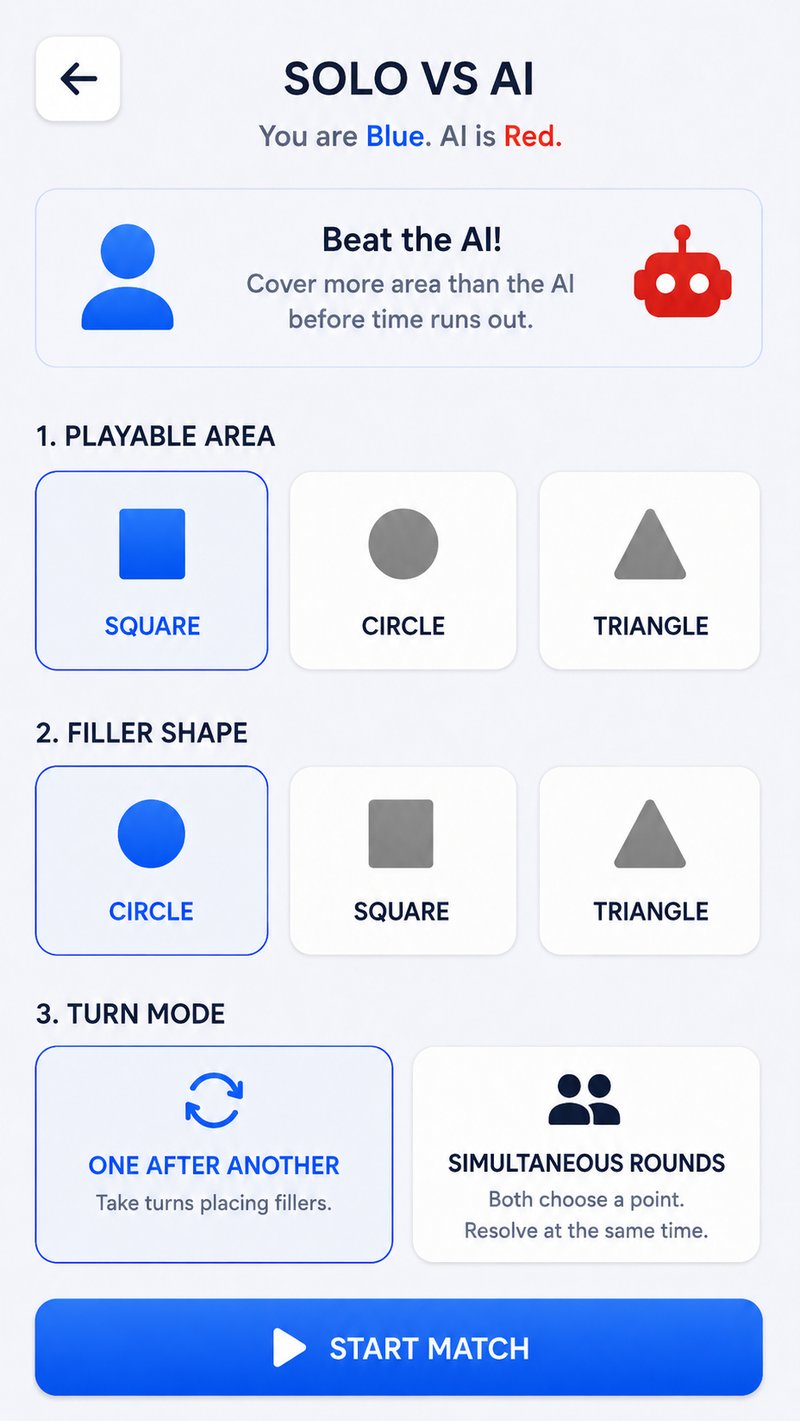
- Choose the rules. Pick the board shape, filler shape, and whether turns alternate or resolve simultaneously.
- Start the match. Blue places first in alternating mode. Hand the device over whenever the active color changes.
- Play the result. Compare percentages, then use the rematch option for another round.
Put a tablet or laptop between both players. Simultaneous rounds reduce the advantage of seeing the previous move, while alternating turns are easier for first-time players.
How to create a private online room
- The host opens Rooms. Choose Host Room and wait for the four-digit code to appear.
- Share the code privately. Send all four digits to the friend you want to invite.
- The friend chooses Join Room. They enter the code from their own browser and select Connect.
- Keep both room screens open. The host is Blue, the joining player is Red, and the game begins when the connection completes.
A room is meant for one head-to-head match connection, not a public lobby. If you would rather meet any available opponent, use random online matchmaking.
Alternating or simultaneous turns?
| Turn style | How it works | Choose it when |
|---|---|---|
| One after another | Blue and Red take turns placing one filler at a time. | You want direct reactions and clear pass-and-play. |
| Simultaneous rounds | Both players choose a point before the pair resolves. | You want prediction, bluffing, and less first-move information. |
Both styles reward different decisions. Alternating play makes denial easy to see; simultaneous play asks whether your friend will target the same valuable gap. The strategy guide compares both mindsets.
Quick fixes when a friend cannot join
- Check every digit. Room codes contain four numbers and must match exactly.
- Keep the host’s room open until the other player has connected.
- Make sure both players are using current browsers with network access.
- If the room has expired or either player left, create a fresh room and share the new code.
- If both players are physically together, switch to Local Match and use one device.
Playing with friends
Can two people play on one phone?
Yes. Local Match is designed for pass-and-play on one device. A tablet or larger screen can make the shared board easier to read.
Can I invite a friend without an account?
Yes. Create a private room and share its code. Guest play is available without a required game download.
Can more than two people join?
fill.zone matches are currently 1v1. A group can rotate players between short rounds and keep a simple winner-stays-on bracket.
Is local play ranked?
No. Local Match is unranked. Use competitive online play when you want rating changes.
Send the challenge
One friend.
One shared zone.
Choose Local Match for one device or Host Room for two browsers.
Play together now