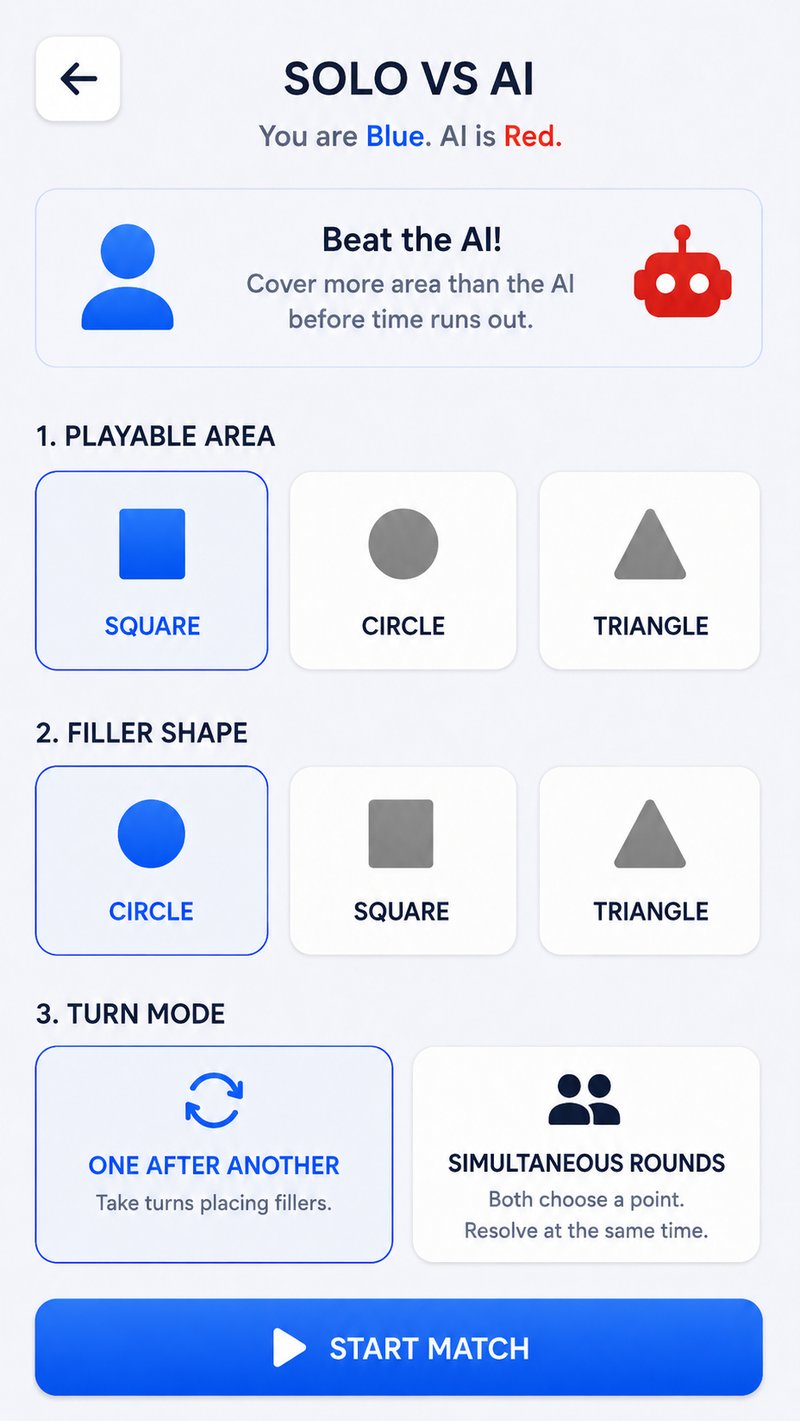
fill.zone is a lightweight online multiplayer territory game built for short 1v1 rounds. Both players place shapes on the same board. Each shape grows until it reaches an edge, another filler, or its size limit. When the timer ends, the player covering more area wins.
30 seconds
Short enough for an instant round, with enough decisions for a rematch.
1 vs 1
Blue and Red compete on the same board from separate browsers.
Free
Runs on modern phone, tablet, laptop, and desktop browsers.
How to start online multiplayer
- Open fill.zone. Choose Random from the Multiplayer card on the main menu.
- Wait for a rival. Matchmaking connects two waiting players and assigns Blue and Red.
- Use the countdown. Read the board shape, filler type, and turn style before the timer begins.
- Place for area. Tap open points where your filler can grow without immediately hitting an edge or neighbor.
- Read the result. The final percentages decide the winner and competitive matches update rating.
Random matchmaking
Random Match is the fastest way to play another person. It pairs whoever is waiting rather than asking you to create a lobby or invite list. The game starts when both browsers are connected.
Use the opening placements for reliable area. In a short match, giving away one full-size filler is difficult to recover unless a powerup creates a swing. The territory strategy guide explains how to find real clearance and deny the next pocket.
If no random opponent is waiting, create a private room and send the code to a friend—or play Solo vs AI while you learn the board.
Private online rooms
Private rooms use a simple four-digit code. The host creates the room and shares the code; the guest enters it from the Join Room screen. There is no long lobby setup.
Create the room
Open Rooms, choose Host, then send the displayed code to your friend. Keep the room screen open while they join.
Read the invite guideJoin the room
Open Rooms, choose Join, enter the exact four digits, and connect. The match begins when both players are ready.
Review the rulesHow the rating works
Every player begins at 1000. After a competitive result, the game compares the two ratings and applies an Elo-style change: defeating a higher-rated opponent is worth more than defeating a lower-rated one.
Your menu pill shows the current number and tier. Rating is a measure of results, not area accumulated across all games, so a one-point win counts as a win.
Connection and device tips
- Use an up-to-date browser and keep the fill.zone tab active during the match.
- On mobile, turn off aggressive battery-saving modes that may pause background network activity.
- If a private code fails, confirm that the host still has the room open and that all four digits match.
- If a connection drops, return to the menu and create or join a fresh match.
- For two people in the same place, Local Match avoids the network entirely.
Online multiplayer questions
Is fill.zone online multiplayer free?
Yes. Matchmaking and private rooms are free in the browser, with no game download required.
Can I choose my opponent?
Use a private room to play a specific friend. Random Match pairs you with another waiting player.
Do I need an account?
You can start as a guest. Signing in is useful when server-backed profiles and rating sync are available.
How long does a match take?
The standard game clock is thirty seconds, plus the pre-match countdown and result screen.
A rival is one click away
Thirty seconds.
One shared zone.
Open matchmaking for a random game or create a private room for a friend.
Play online now